Managed IT
Your outsourced IT team
Day-to-day support, hardware and connectivity — everything your business needs to run smoothly.
Explore Managed ITHardware Infrastructure
Connectivity
Cloud & Security
Stay secure, compliant and in the cloud
Proactive cyber protection, cloud platforms and compliance frameworks that keep you audit-ready.
Explore Cloud & SecurityCloud
Cyber Security
Compliance & Testing
Digital & Workplace
Build, automate and equip your workplace
Websites, business software and the physical infrastructure that makes your office work.
Explore DigitalBuilding Infrastructure
Success Stories
Real results for real businesses
How we've helped organisations across the UK stay secure, productive and connected.
All success stories












Insights
News, thinking and resources
The latest in IT, cyber security and technology from the Creative Networks team.
Latest newsAbout
Who we are and what drives us
A trusted UK IT partner built on doing things the right way — our values, team and commitment.
Who we are
-
Managed IT
IT SupportResponsive helpdesk and on-site supportSupport For IT ManagersExpert backup for in-house IT leadsWhitelabel Service DeskBranded IT support for your clientsIT ConsultancyStrategic IT guidance and planningHardware Infrastructure
Laptops and PeripheralsDevice procurement and managementFirewalls and SwitchesNetwork hardware and securityServers and VirtualisationOn-premise and virtual environmentsWirelessEnterprise Wi-Fi designManaged PrintStreamlined printing solutionsIT Asset DisposalSecure disposal of old hardwareConnectivity
Connectivity and InternetLeased lines and business broadband3CX Phone SystemsCloud-based phone systemsPhone System VOIPInternet-based telephonyMobileBusiness mobile plans and devicesPoint-to-Point WirelessHigh-speed inter-building links -
Cloud
Microsoft 365Licensing, migration and managementAzure HostingScalable Microsoft Azure cloudAmazon Web ServicesAWS design and managementAzure Virtual DesktopCloud desktop environmentHosted Desktop SolutionSecure remote desktops anywhereVirtualisationCut hardware costs with VMsManaged BackupAutomated backup with rapid restoreDisaster RecoveryBusiness continuity and failoverCyber Security
Network SecurityFirewalls and network monitoringEndpoint SecurityProtection for every deviceEmail SecurityBlock phishing, spam and malwareVulnerability ManagementFind and fix weaknesses firstDark Web MonitoringAlerts when credentials are exposedCyber Awareness TrainingEquip your team against threatsCompliance & Testing
Cyber EssentialsGovernment-backed certificationISO 27001 CertificationInformation security benchmarkISO 9001 CertificationQuality management standardsGDPR ComplianceData protection frameworksNHS DSP ToolkitCompliance for NHS data handlersPenetration TestingEthical hacking to find vulnerabilitiesApplication Security ReviewsApp reviews and app pen testsCyber Security AssessmentFull review of your security posture -
Websites & Automation
WordPressSelf-manageable WordPress websitesSoftware DevelopmentBespoke web apps to your specAI SolutionsPractical AI tools for your businessPower AutomationAutomate Microsoft 365 workflowsZapier AutomationConnect apps and automate tasksBusiness Applications
CRMTools to grow and retain clientsERPFinance, stock and operationsAccounting ApplicationsFinance and bookkeeping softwareLegal ApplicationsCase management for legal teamsData VisualisationDashboards that make data actionableBusiness Applications
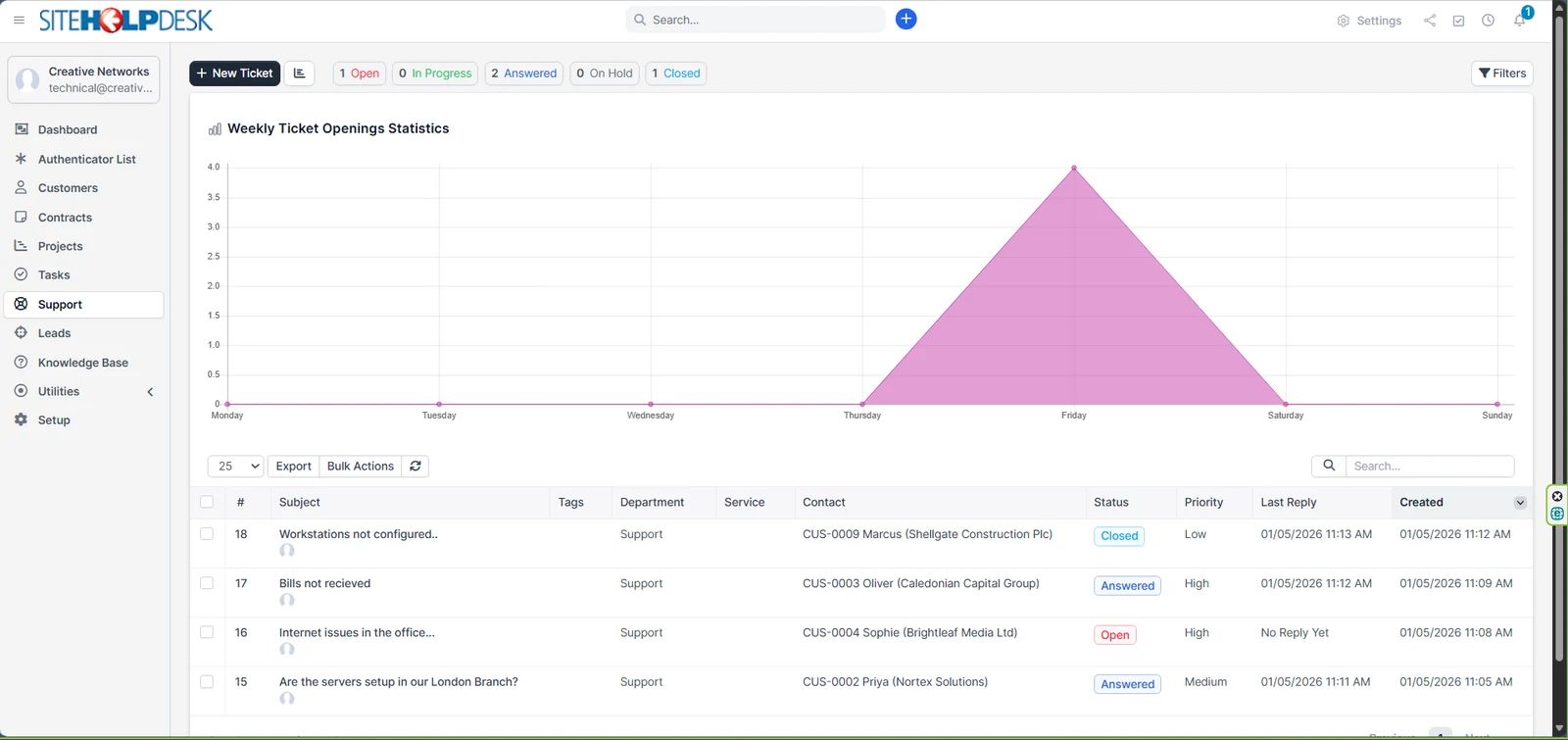
All business applicationsGrouped by sectorKaseFlowLegalAXIA CloudEstate agentsSage, Business CentralAccounting and ERPDynamics, SalesforceSales and CRMSiteHelpDeskService deskCall QualitixContact centreIntroviewsRecruitmentBuilding Infrastructure
CCTVIP camera systems for your siteAccess ControlKeycard and biometric entryAlarms SystemIntruder detection and monitoringStructured CablingFuture-proof data and voice cablingConference Room AVVideo conferencing and AV systemsRoom Booking SystemsSmart scheduling for shared spaces - AI NEW
-
Client Stories
Petty RealRochdale Sixth FormAmelius SolicitorsReLondonBP and Afton ChemicalsAlison Law SolicitorsBHA For EqualityWales & West HousingPennine MencapMcHugh Estate AgentsTLT LawBad Wolf StudioAxiom ManufacturingArts Council of WalesCity of Bristol CollegeSectors
LegalIT for law firms and legal practicesAccountantsCompliant IT for financial servicesHealthcareSecure IT for healthcare providersEducationIT for schools and colleges -
Company
Who We AreOur story and what makes us differentVision, Mission & ValuesThe principles that guide usLeadership TeamMeet the people leading Creative NetworksCareersJoin a growing, purposeful teamLooking to Exit?We acquire IT businessesCredentials
AccreditationsOur industry certificationsISO CertificationsISO 9001 and 27001 certifiedPartnersThe vendors we work withPolicies & LegalPrivacy policy and legal documentsCulture
Our CultureHow we work and what we stand forOur CommunityHow we give backOur EnvironmentOur sustainability commitmentOur PeopleLife at Creative Networks